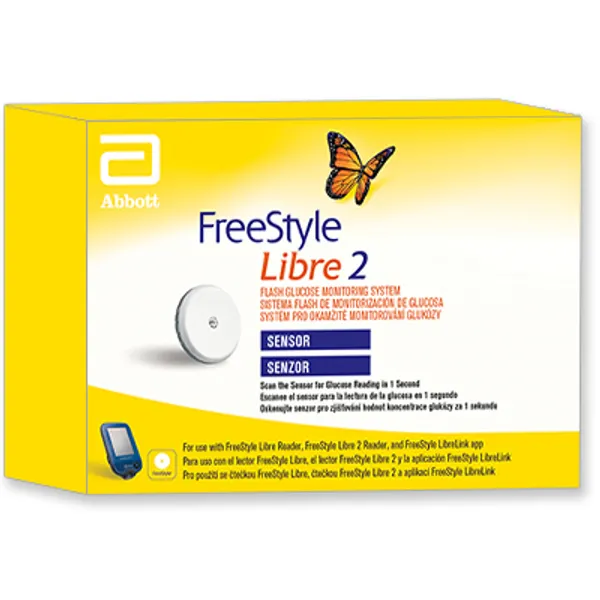
Applying Your Sensor
1 Apply Sensors only on the back of your upper arm. Avoid areas with scars, moles, stretch marks or lumps. Select an area of skin that generally stays flat during your normal daily activities (no bending or folding). Choose a site that is at least 2.5 cm (1 inch) away from an insulin injection site. To prevent discomfort or skin irritation, you should select a different site to the one most recently used.
2 Wash application site using a plain soap, dry and then clean with an alcohol wipe. This will help remove any oily residue that may prevent the Sensor from sticking properly. Allow site to air dry before proceeding. Note: The area MUST be clean and dry, or the Sensor may not stick to the site.
3 Open the Sensor Pack by peeling the lid off completely. Unscrew the cap from the Sensor Applicator and set the cap aside.
4 Line up the dark mark on the Sensor Applicator with the dark mark on the Sensor Pack. On a hard surface, press down firmly on the Sensor Applicator until it comes to a stop.
5 Lift the Sensor Applicator out of the Sensor Pack.
6 The Sensor Applicator is prepared and ready to apply the Sensor.
7 Place the Sensor Applicator over the prepared site and push down firmly to apply the Sensor to your body. CAUTION: The Sensor Applicator now contains a needle. Do NOT touch inside the Sensor Applicator or put it back into the Sensor Pack. CAUTION: Do NOT push down on the Sensor Applicator until placed over prepared site to prevent injury or unintended results.
8 Gently pull the Sensor Applicator away from your body. The Sensor should now be attached to your skin. Note: Applying the Sensor may cause bruising or bleeding. If there is bleeding that does not stop, remove the Sensor and apply a new one at a different site.
9 Make sure the Sensor is secure after application. Put the cap back on the Sensor Applicator. Discard the used Sensor Pack and Sensor Applicator.
Starting Your Sensor
1 Press the Home Button to turn on the Reader.
2 Touch Start New Sensor.
3 Hold the Reader within 4 cm (1.5 inches) of the Sensor to scan it. This starts your Sensor. If sounds are turned on, the Reader beeps when the Sensor has been successfully activated. The Sensor can be used to check your glucose after 60 minutes. Note: If the Sensor is not successfully scanned within 15 seconds, the Reader displays a prompt to scan the Sensor again. Touch OK to return to the Home Screen and touch Start New Sensor to scan your Sensor.
Checking Your Glucose
1 Turn the Reader on by pressing the Home Button or touch Check Glucose from the Home Screen.
2 Hold the Reader within 4 cm (1.5 inches) of your Sensor to scan it. Your Sensor wirelessly sends glucose readings to the Reader. If sounds are turned on, the Reader beeps when the Sensor has been successfully scanned. Note: If the Sensor is not successfully scanned within 15 seconds, the Reader displays a prompt to scan the Sensor again. Touch OK to return to the Home Screen and touch Check Glucose to scan your Sensor.
3 The Reader displays your current glucose reading along with your glucose graph and an arrow indicating the direction your glucose is going.